Ergonomic tips
Technology
Strain injuries from repetition, force, and posture are most common for workers with desk jobs. Ergonomic workstations provide the adjustability required for the right fit between our bodies, tools, and tasks—keeping you comfortable and healthy.
1
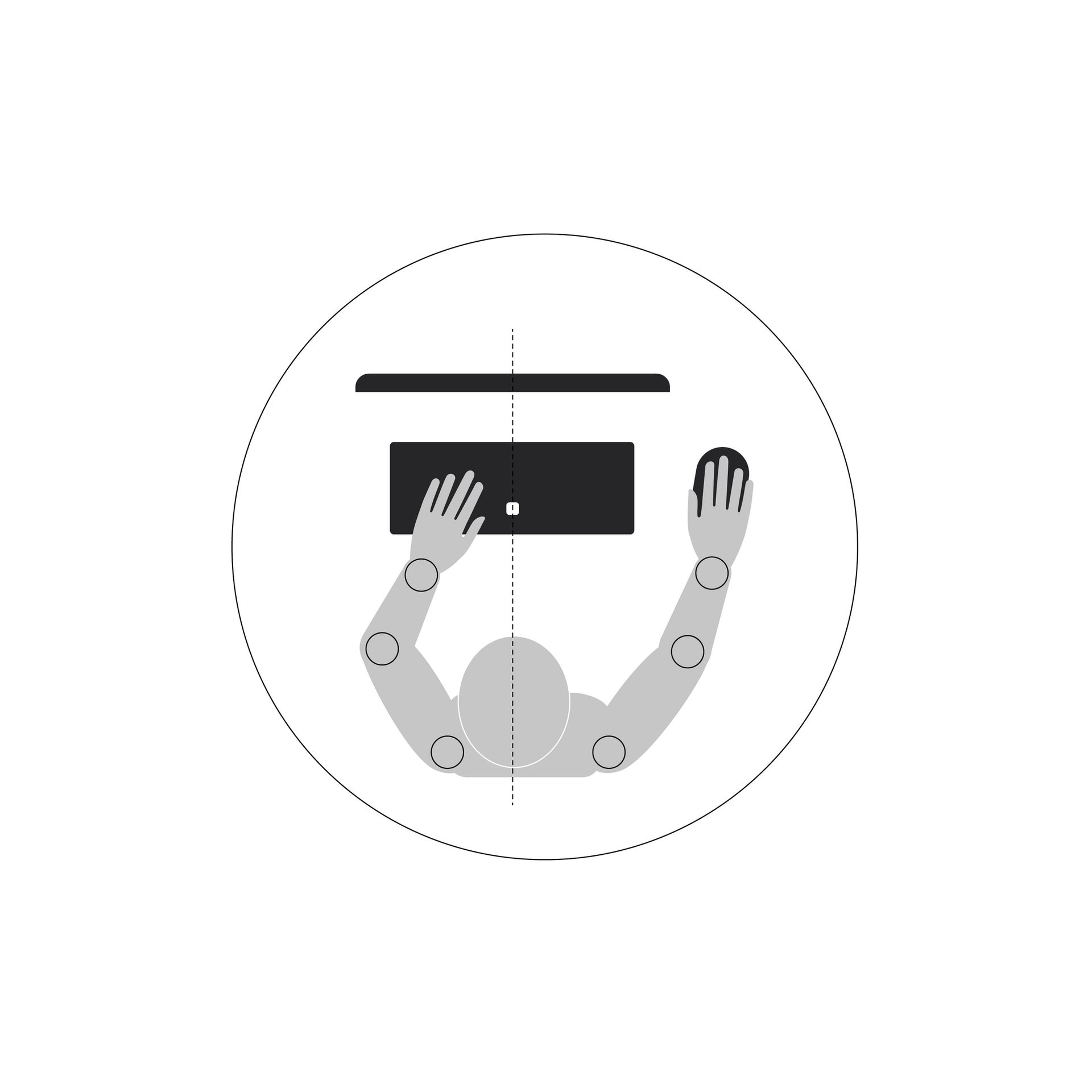
Align your computer monitor or laptop directly in front of you, avoiding twisting your neck and body.
Align the letter “B” with your bellybutton to keep keyboard centralized.
2
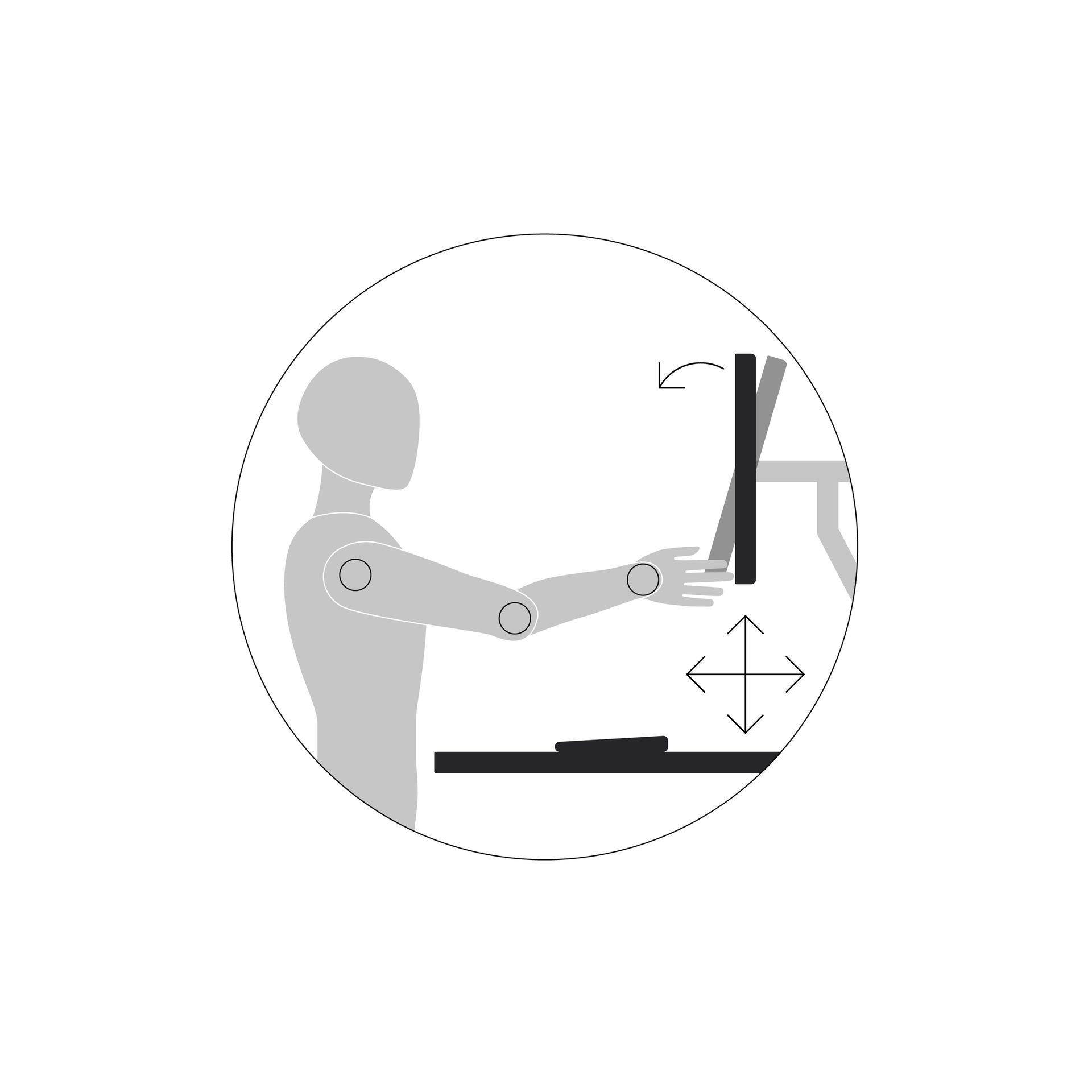
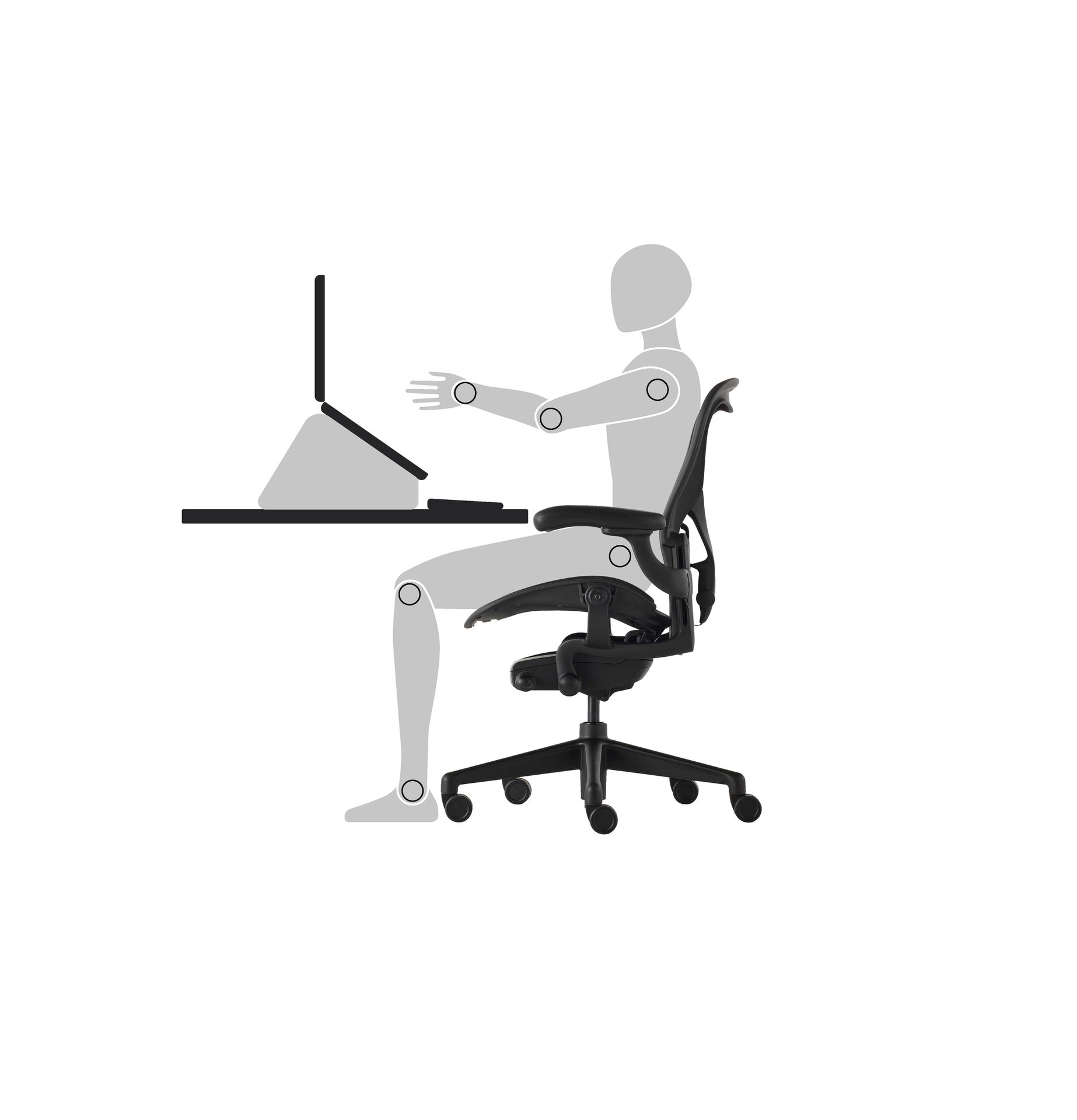
Position your screen about an arm’s length away at a comfortable viewing height—avoiding tilting your head up or down.
3
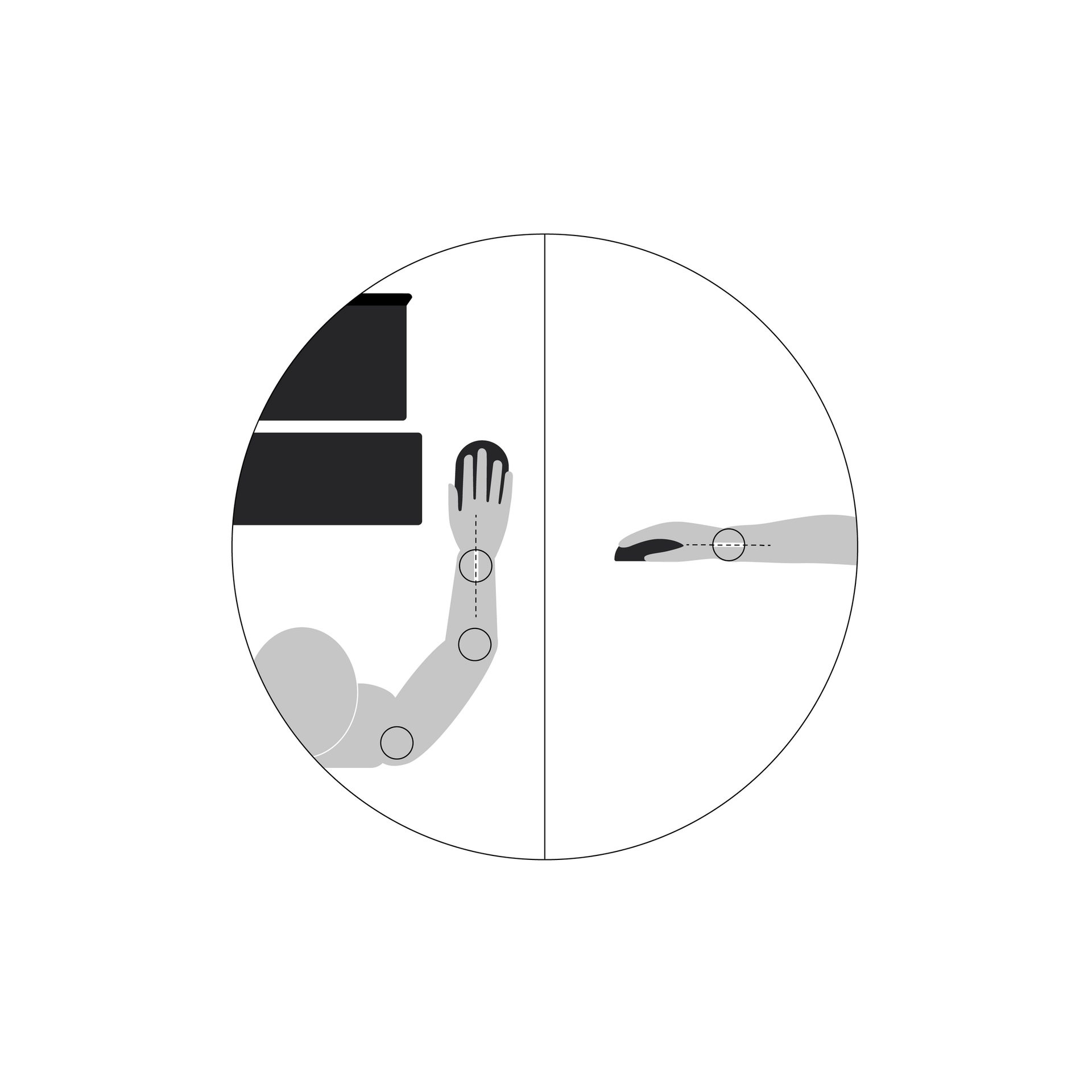
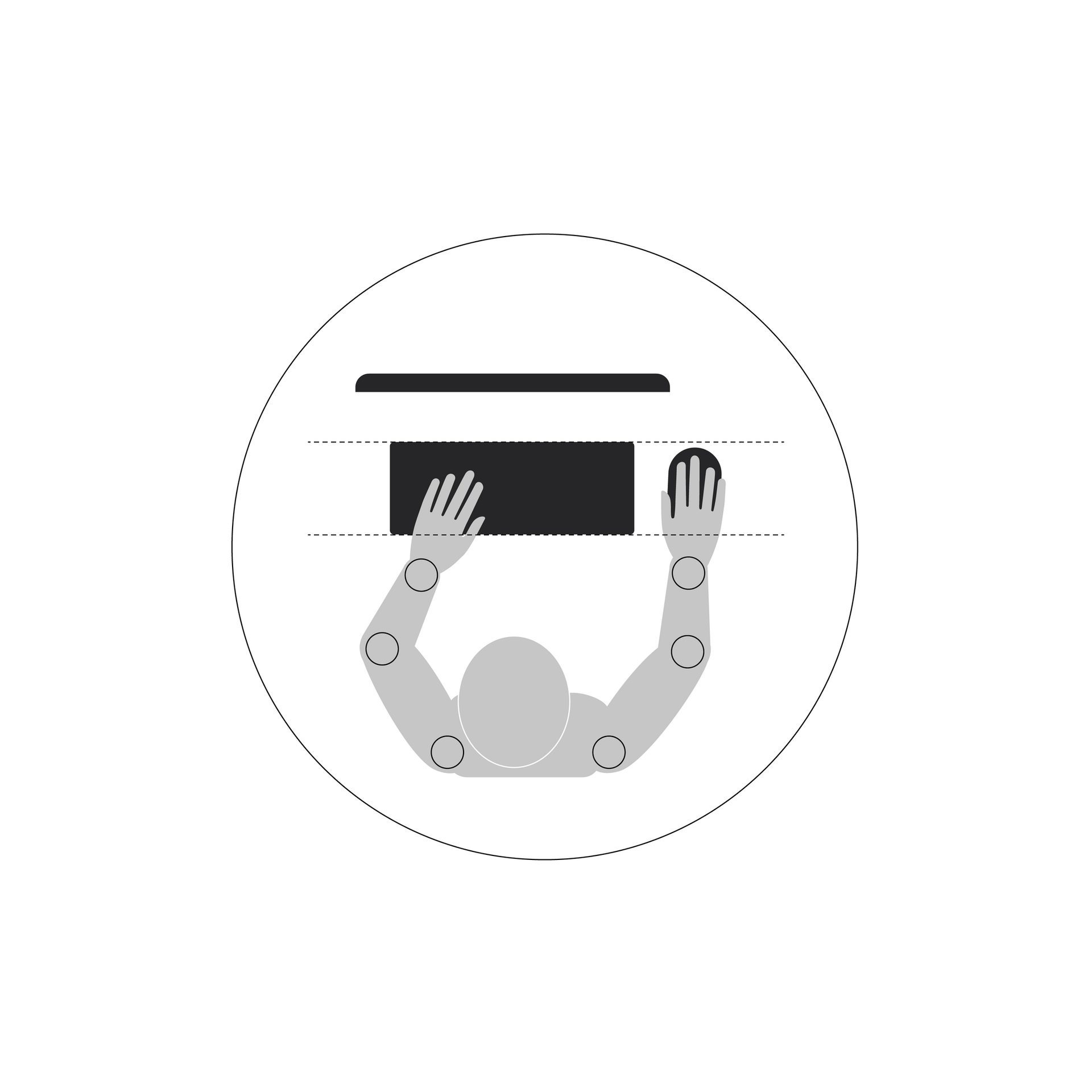
Keep your mouse at the same level as your keyboard—avoid over-extending.
4
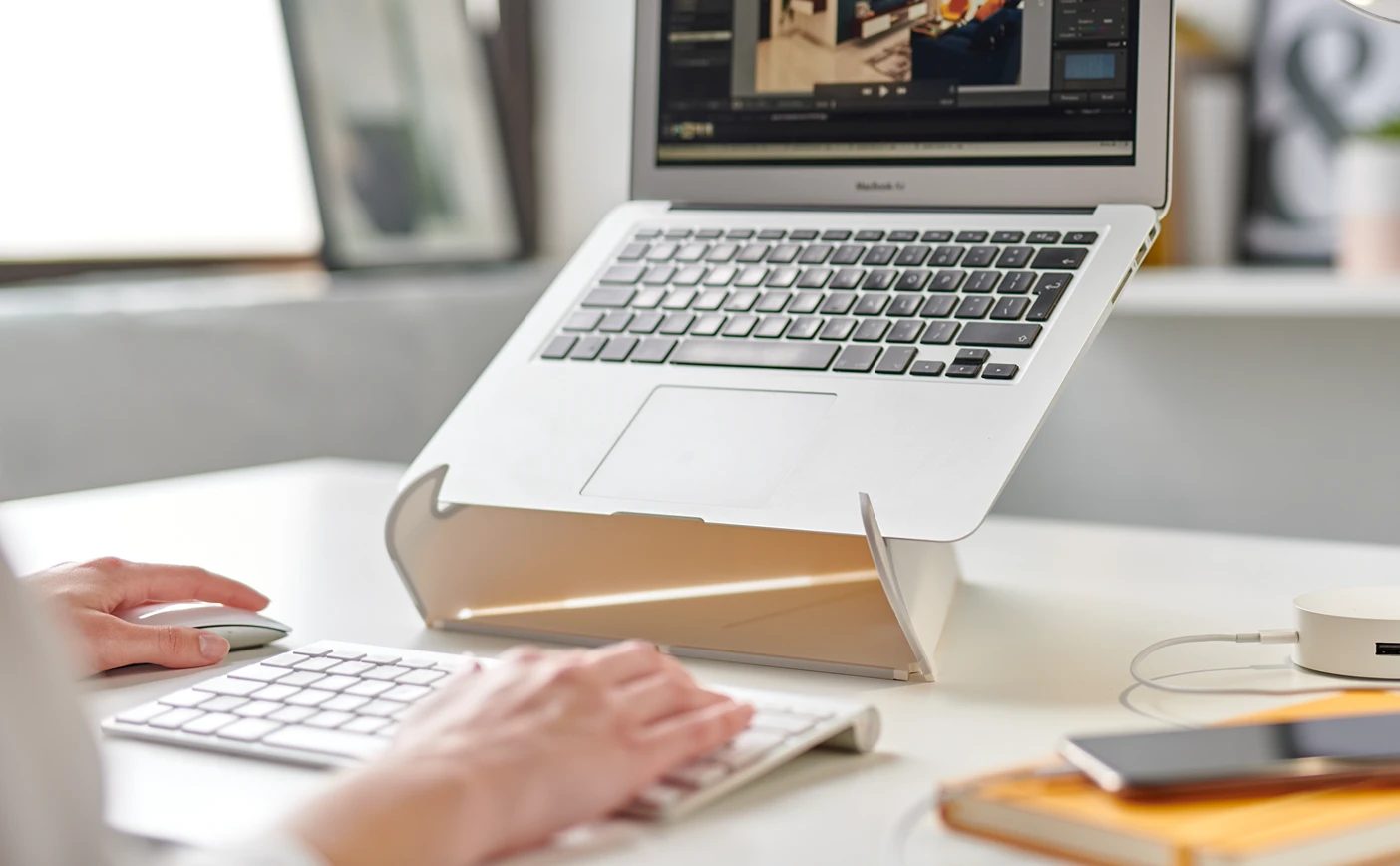
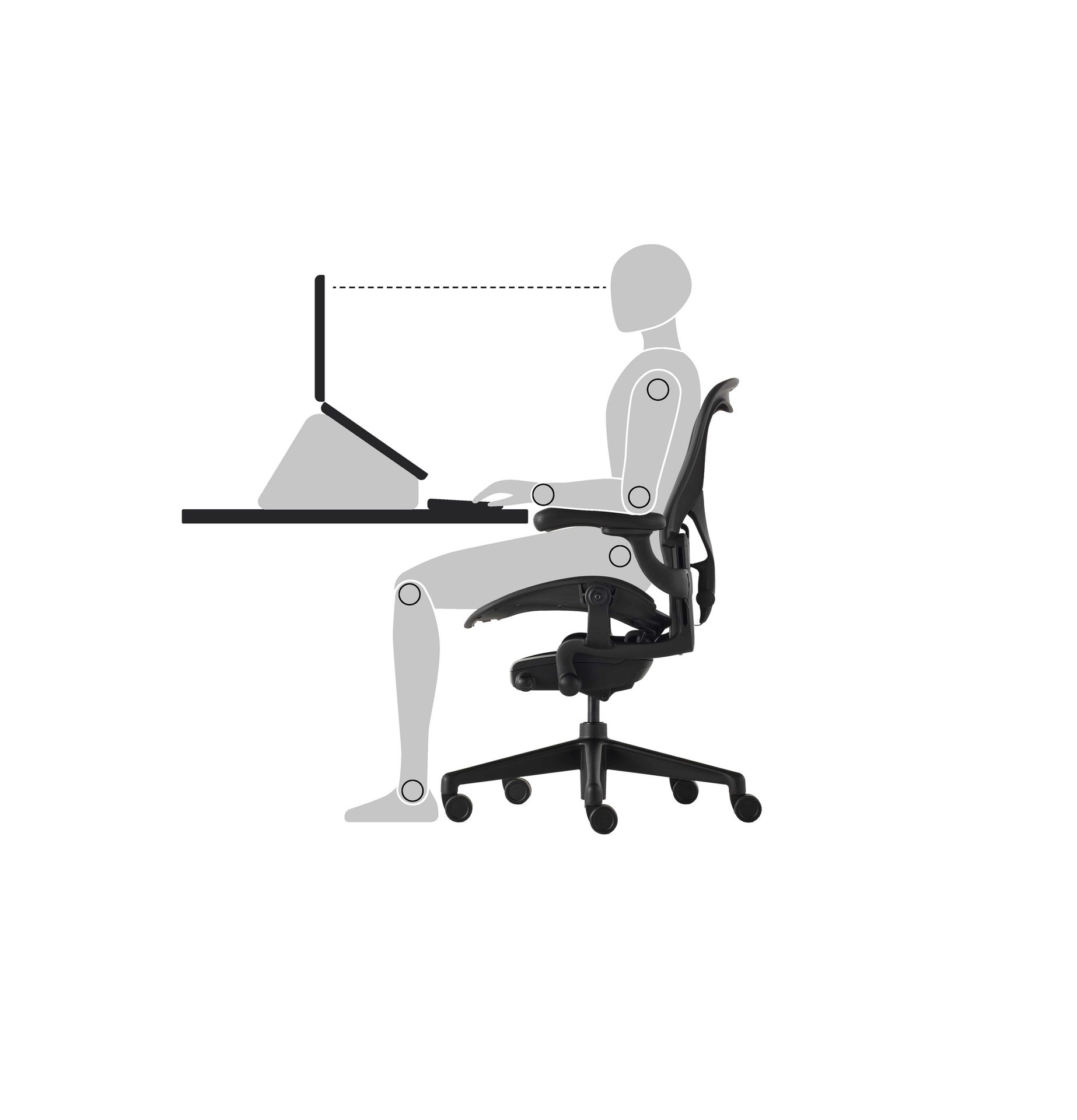
Use a laptop stand to raise the top of the screen to a comfortable viewing height.
5
Position your laptop about an arm’s length away.
6
Keep you hand in a straight line with your forearm and avoid bending your wrists or fingers sideways or upwards.