Ergonomic tips
Standing posture
Strain injuries from repetition, force, and posture are most common for workers with desk jobs. Ergonomic workstations provide the adjustability required for the right fit between our bodies, tools, and tasks—keeping you comfortable and healthy.
1
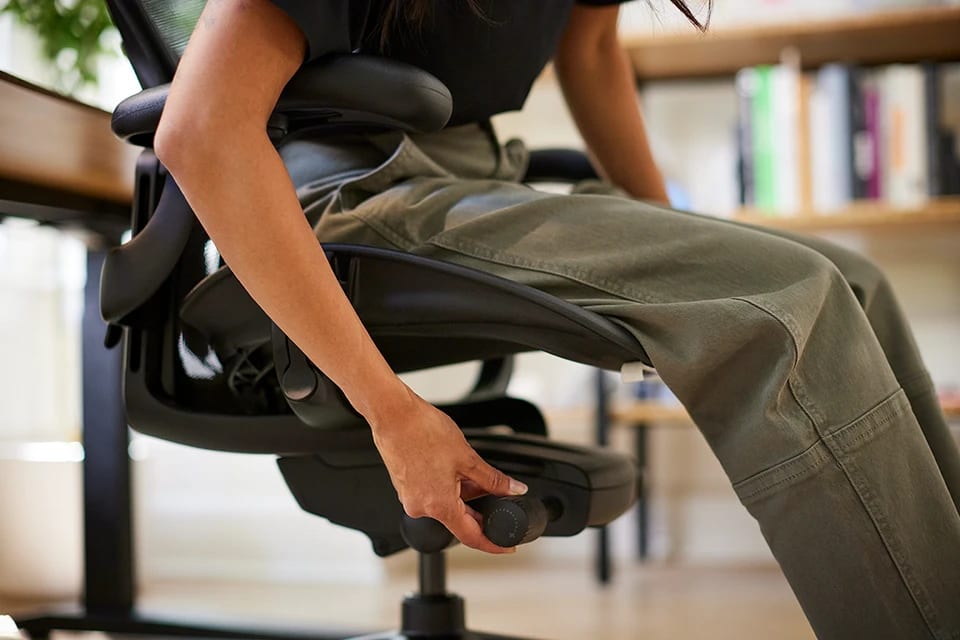
Use a sit-to-stand work surface to support a healthy mix of comfortable postures throughout your day.
2
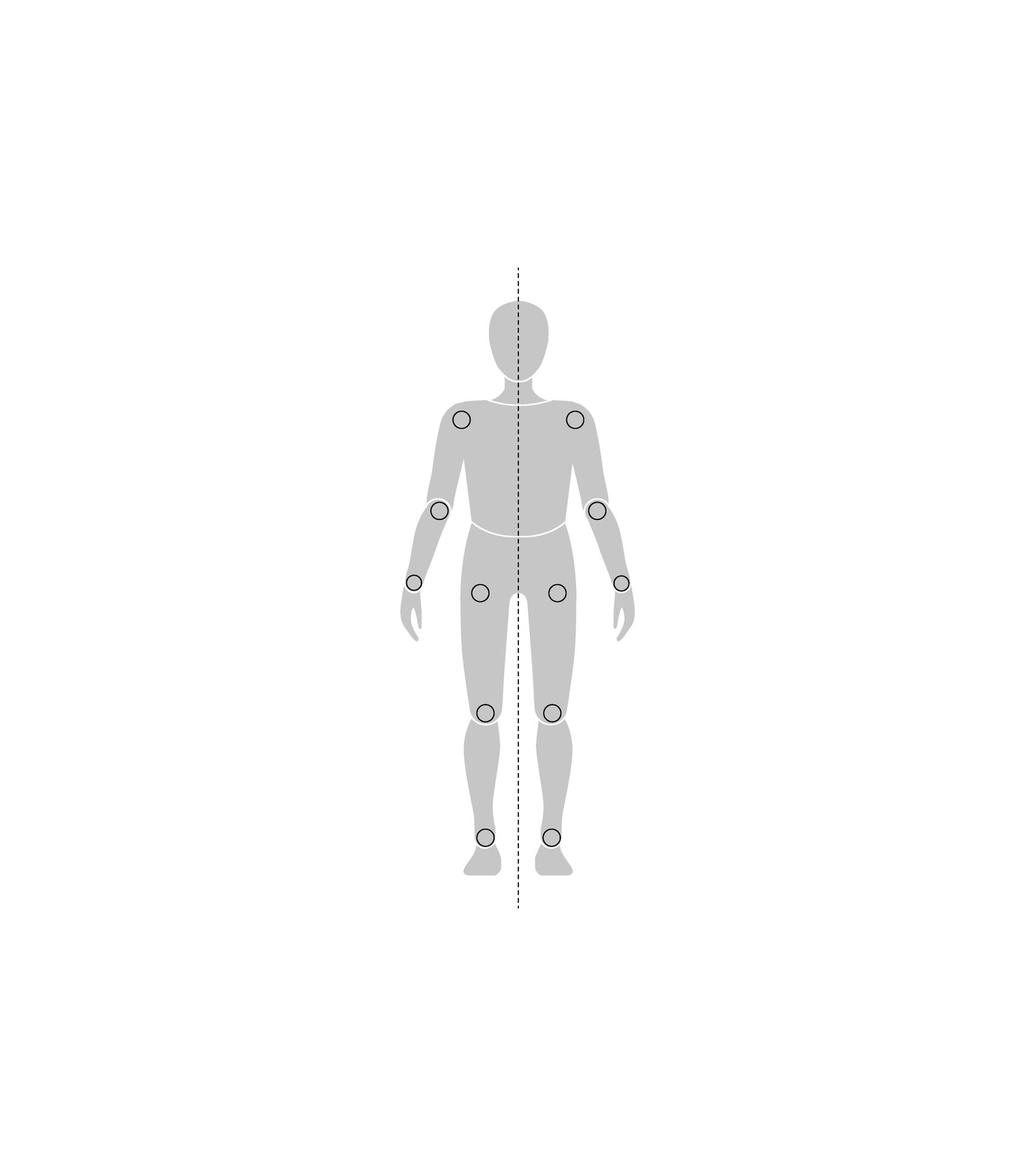
Stand up straight, balancing your weight evenly between both your feet.
3
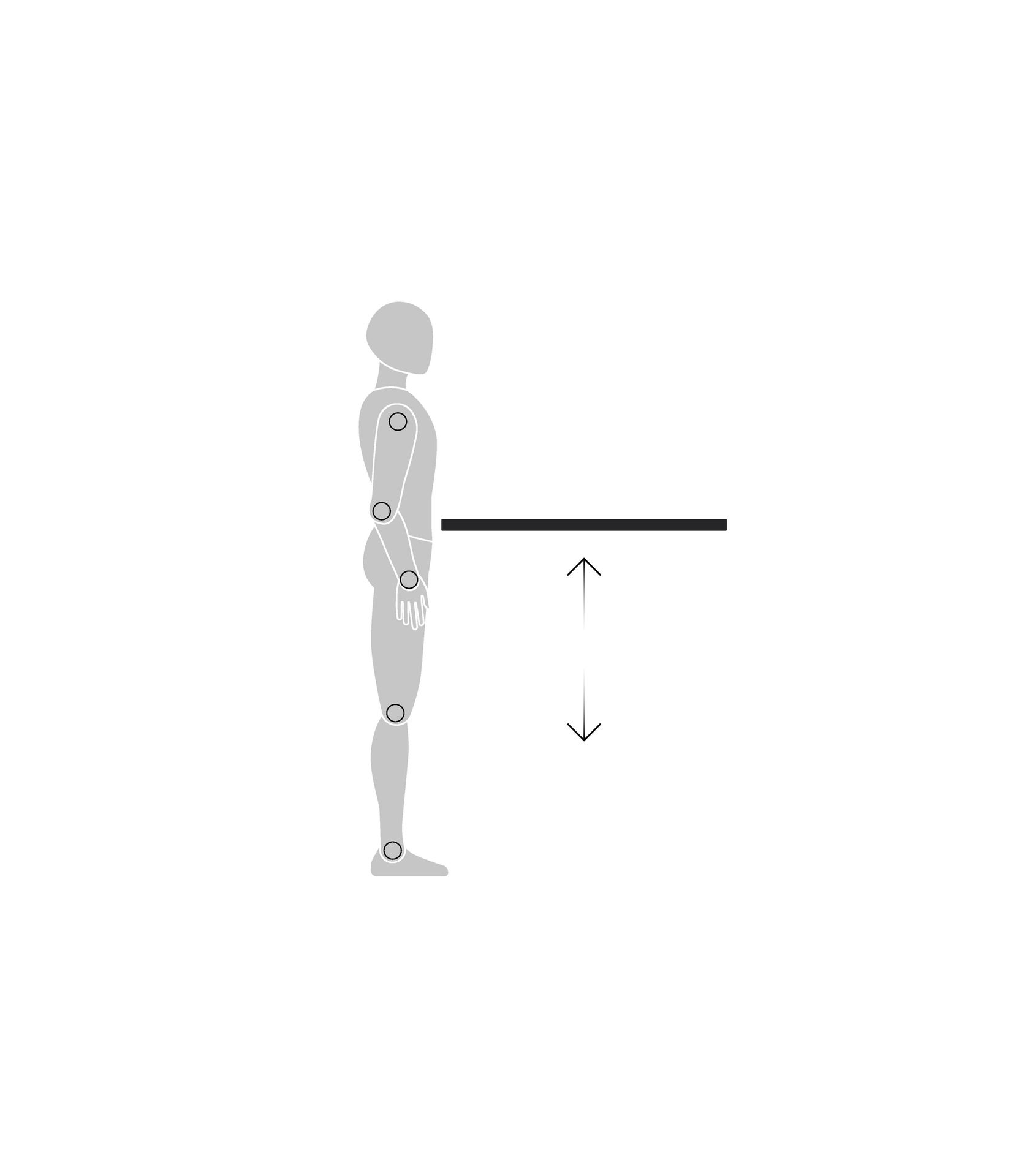
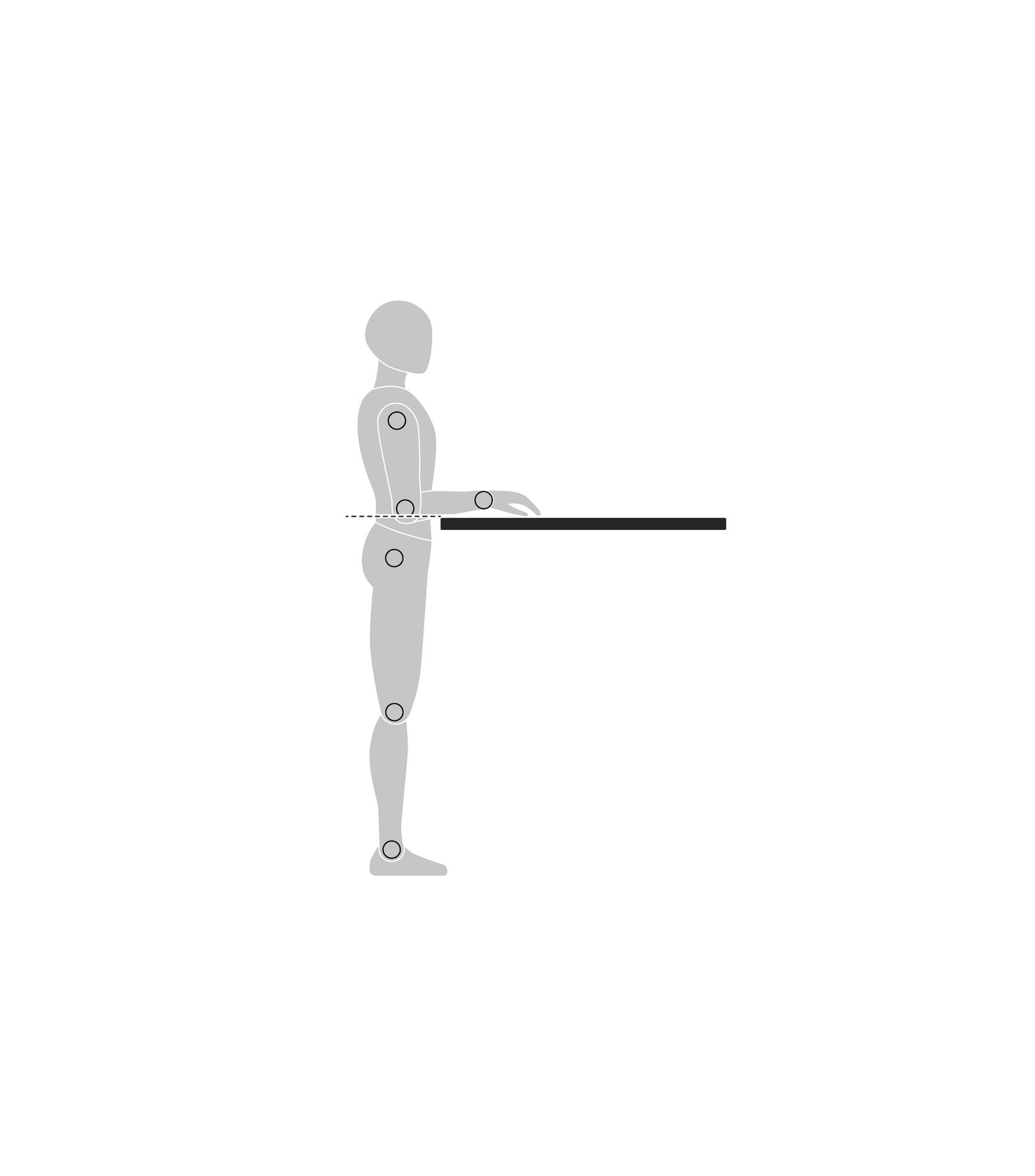
Position your work surface near or slightly below elbow height.
4
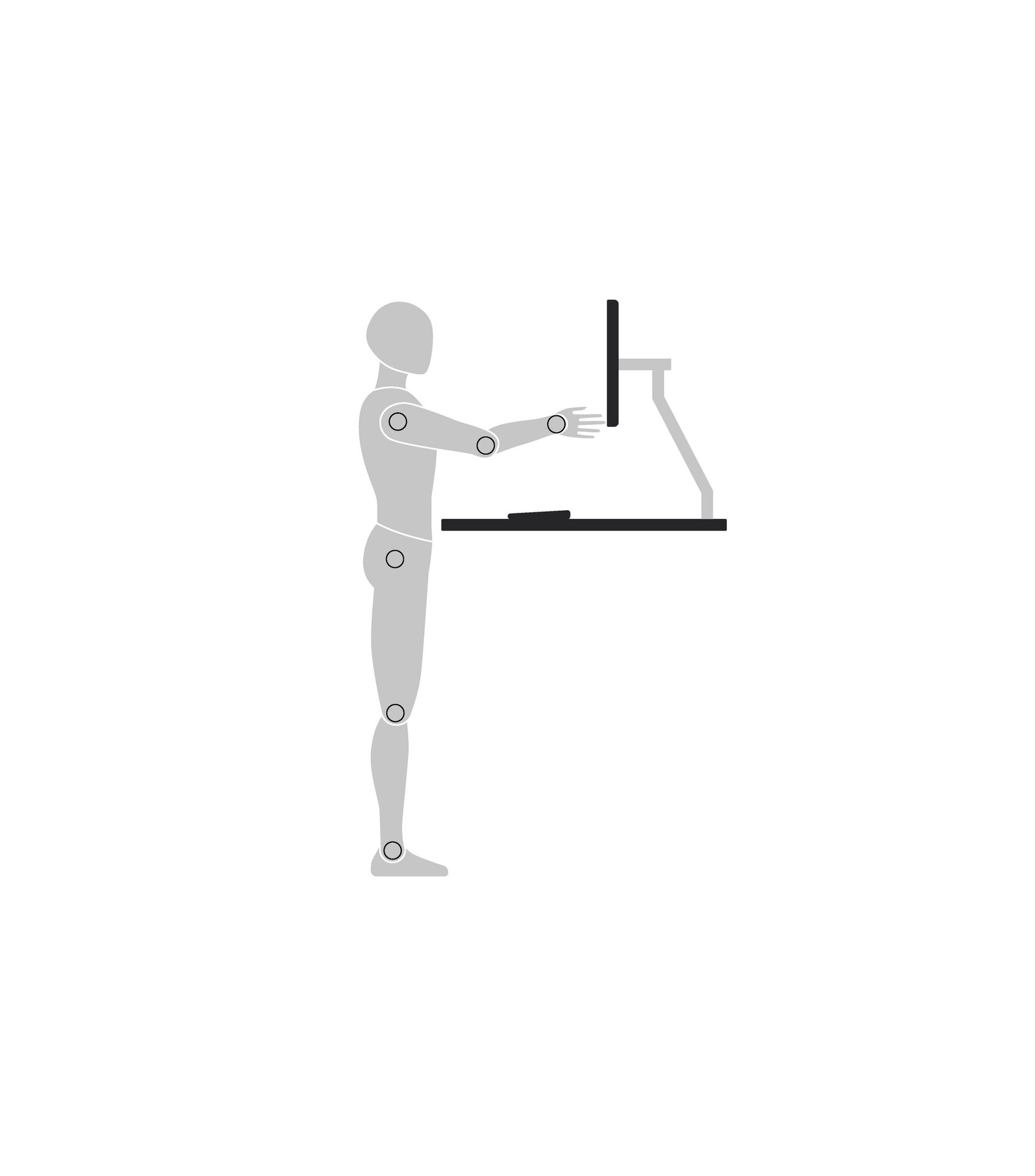
Position your screen about an arm’s length away.
5
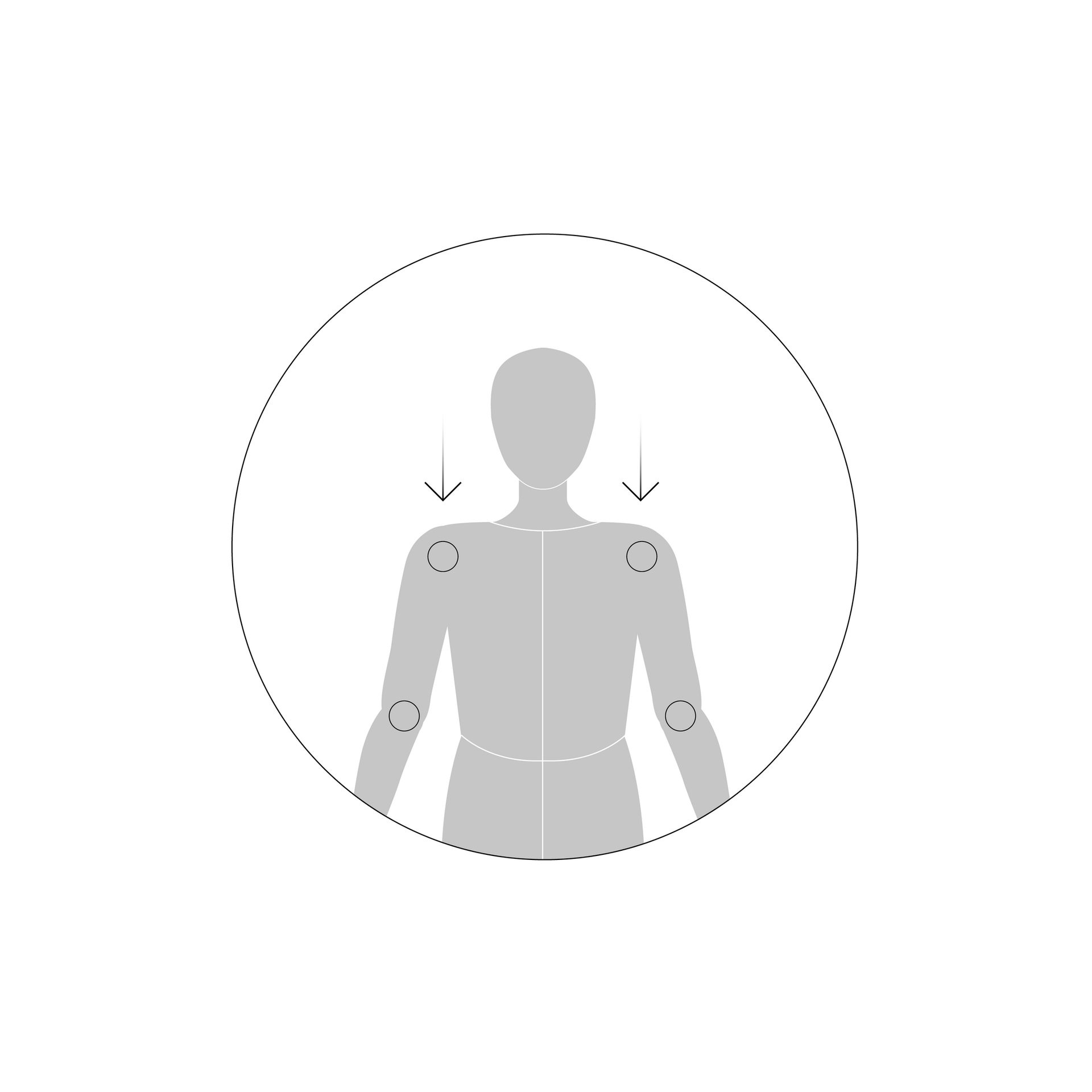
Keep your shoulders in a neutral position, with no lift.
6
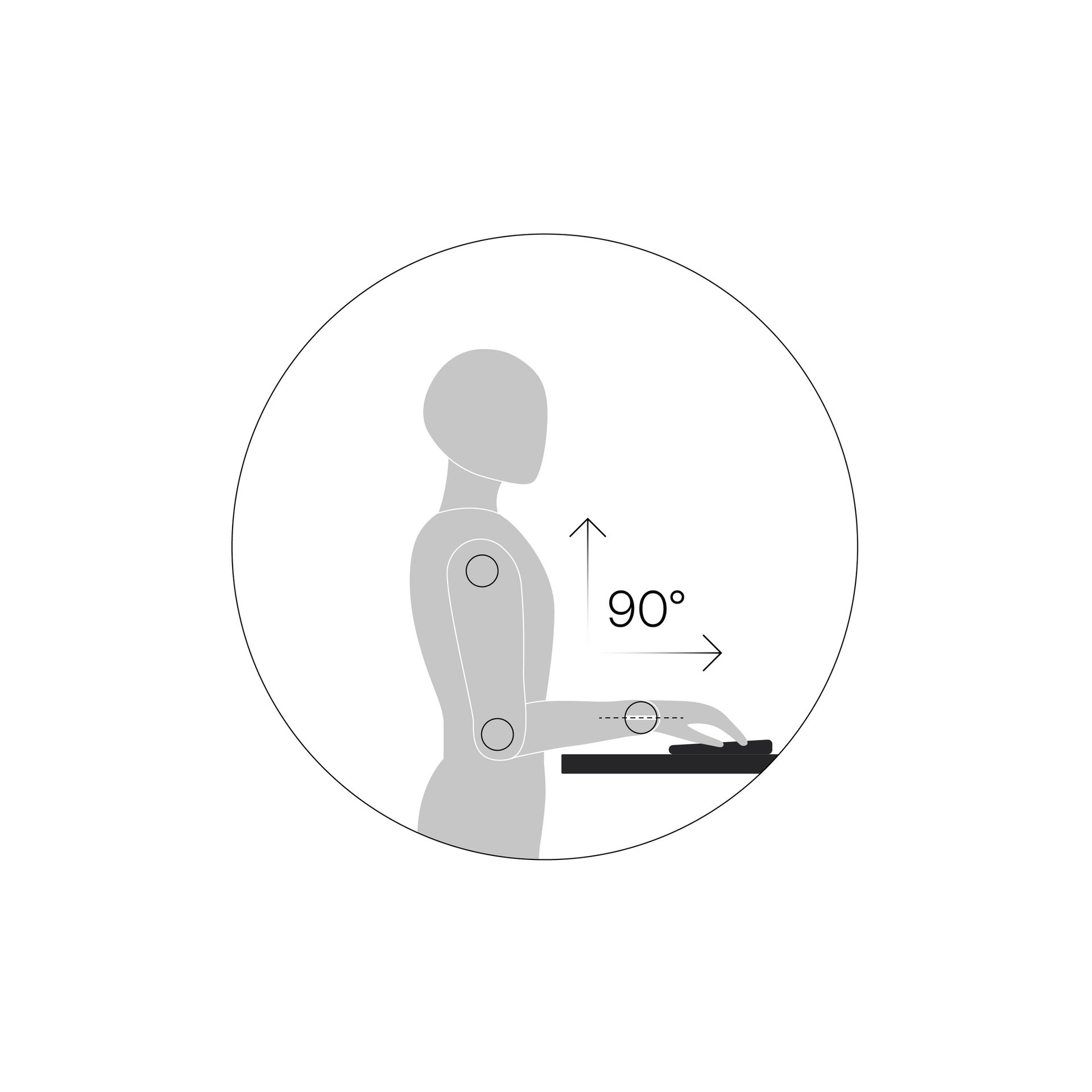
Keep your elbows at a 90° angle or slightly greater with your wrists in a neutral position.